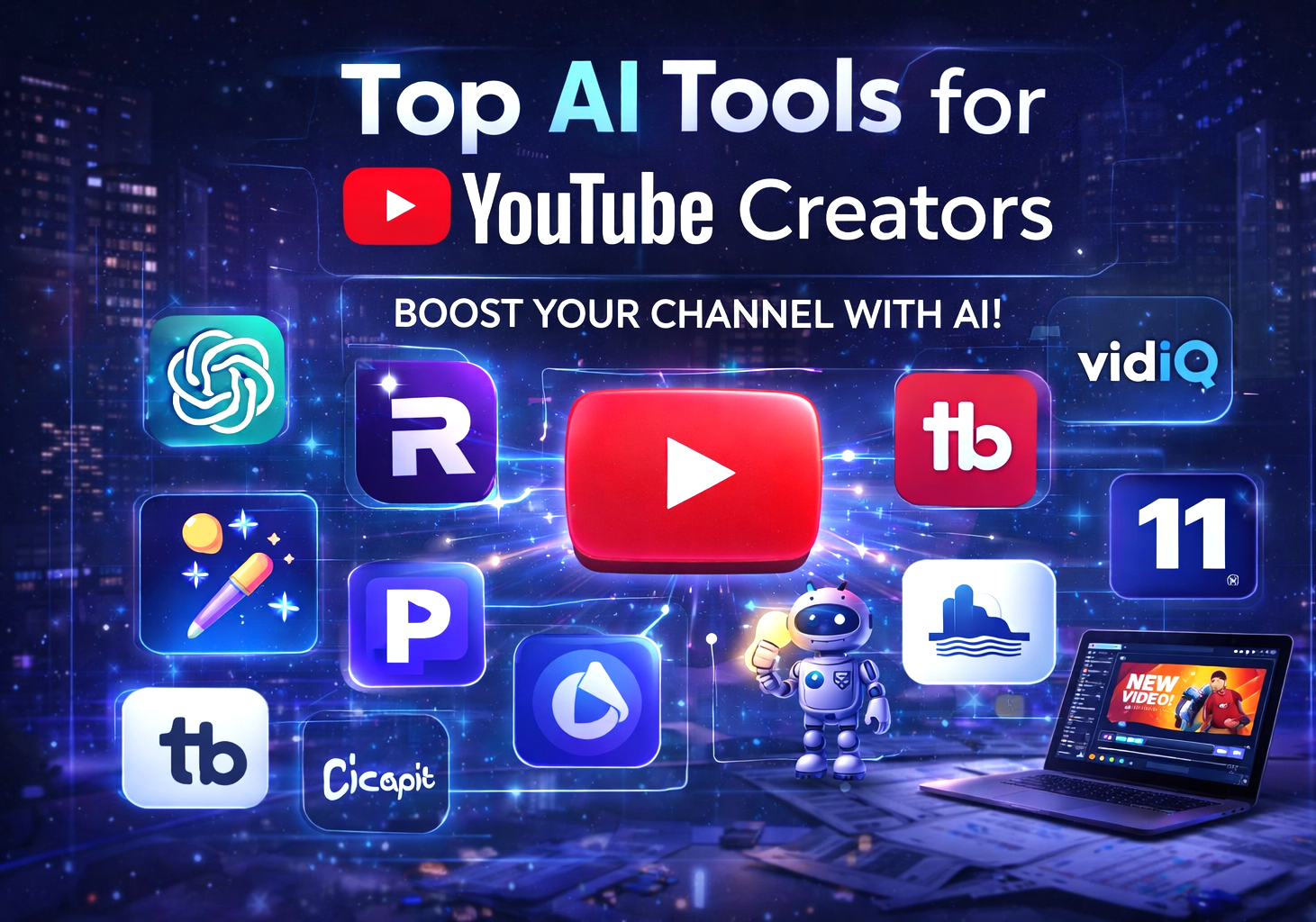
Top AI Tools for YouTube Creators (2026 Guide)
Creating YouTube content today is not as easy as it was before. Competition is high, and creators need to produce high-quality videos, engaging thumbnails, and consistent content to grow their channels. This is where AI tools come in.
AI tools can help YouTube creators save time, improve video quality, and grow their audience faster. Whether you are a beginner or an experienced creator, using the right AI tools can make a big difference.
In this article, we will explore the top AI tools for YouTube creators that can help you create better content, edit videos faster, and increase your channel growth.
Why YouTube Creators Should Use These Top AI Tools For YouTube Creators?
AI tools are becoming essential for content creators because they simplify complex tasks. Instead of spending hours editing videos or writing scripts, AI can do it in minutes.
Here are some benefits of using AI tools:
- Save time and effort.
- Improve video quality
- Generate content ideas quickly.
- Create professional thumbnails
- Optimize videos for SEO.
Now let’s explore the best tools you can use.
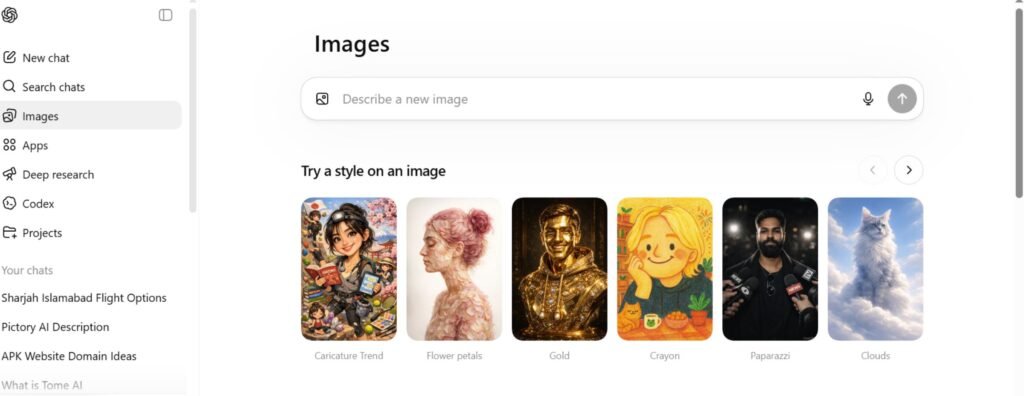
1. ChatGPT – Best for Script Writing
One of the biggest challenges for YouTubers is writing engaging scripts. ChatGPT helps you generate ideas, outlines, and full scripts in minutes. one of the Top AI Tools For YouTube Creators.
Key Features:
- Generate video scripts
- Create video ideas
- Write titles and descriptions.
- Improve content quality
Why It’s Useful:
If you don’t know what to say in your video, ChatGPT can help you create a clear and engaging script quickly.
2. Pictory – Turn Text into Videos
Pictory is a powerful AI tool that converts text into videos. You can paste your script, and it will automatically create a video with visuals, music, and captions. One of the Top AI Tools For YouTube Creators.
Key Features:
- Text-to-video conversion
- Automatic captions
- Stock footage library
- Voiceover support
Why It’s Useful:
Perfect for creators who don’t want to show their face or want to create videos quickly.
3. Runway ML – Advanced Video Editing
Runway ML is a powerful AI tool for video editing. It offers advanced features like background removal, motion tracking, and AI effects. One of the Top AI Tools For YouTube Creators.
Key Features:
- Remove background without green screen.
- AI video editing tools
- Real-time effects
- Object removal
Why It’s Useful:
It helps creators produce professional videos without needing advanced editing skills.
4. CapCut – Easy Video Editing
CapCut is one of the most popular video editing tools for beginners and professionals. One of the Top AI Tools For YouTube Creators.
Key Features:
- Easy-to-use interface
- AI captions
- Transitions and effects
- Mobile and desktop support
Why It’s Useful:
If you are just starting on YouTube, CapCut is perfect for quick and simple editing.
5. Canva – Thumbnail Design
Thumbnails are very important for getting clicks on YouTube. Canva helps you design attractive thumbnails easily. One of the top Top AI Tools For YouTube Creators.
Key Features:
- Ready-made templates
- Drag-and-drop design
- AI image generator
- Text and effects tools
Why It’s Useful:
Even beginners can create professional thumbnails in minutes.
6. TubeBuddy – SEO Optimization
TubeBuddy is a must-have tool for YouTube creators who want to grow their channel. One of the Top AI Tools For YouTube Creators.
Key Features:
- Keyword research
- Tag suggestions
- SEO score analysis
- Competitor tracking
Why It’s Useful:
It helps your videos rank higher on YouTube search results.
7. VidIQ – Channel Growth
VidIQ is another powerful tool for YouTube SEO and analytics.
Key Features:
- Keyword suggestions
- Video performance analysis
- Trending topics
- AI content ideas
Why It’s Useful:
It helps creators understand what works and what doesn’t.
8. Descript – Edit Videos Like Text
Descript allows you to edit videos by editing text. It also offers voice cloning and transcription features.
Key Features:
- Automatic transcription
- Text-based editing
- AI voice generation
- Screen recording
Why It’s Useful:
It makes editing very fast and easy, especially for beginners.
9. ElevenLabs – Realistic Voiceovers
If you don’t want to record your voice, ElevenLabs can generate realistic AI voiceovers.
Key Features:
- Natural-sounding voices
- Multiple languages
- Voice cloning
- High-quality audio
Why It’s Useful:
Great for faceless YouTube channels.
10. Midjourney – Create Unique Visuals
Midjourney helps you create stunning AI images for thumbnails, videos, and social media.
Key Features:
- High-quality AI images
- Creative designs
- Unique visuals
- Custom prompts
Why It’s Useful:
It helps your content stand out with unique visuals.
How to Choose the Right AI Tools
Not every tool is necessary for everyone. Choose tools based on your needs:
- For script writing → ChatGPT
- For video editing → CapCut or Runway ML
- For thumbnails → Canva
- For SEO → TubeBuddy or VidIQ
- For voiceovers → ElevenLabs
Start with a few tools and expand as your channel grows.
Final Thoughts
AI tools are changing the way YouTube content is created. They make it easier, faster, and more efficient to produce high-quality videos.
By utilizing tools like ChatGPT, CapCut, and TubeBuddy, you can enhance your content and accelerate your channel growth.
The key is to stay consistent, continue learning, and utilize AI tools effectively. With the right strategy and tools, anyone can succeed on YouTube.
Bonus Tip for YouTube Growth 🚀
- Focus on valuable content.
- Use SEO keywords in titles and descriptions.
- Create attractive thumbnails
- Upload consistently
1 thought on “Top AI Tools for YouTube Creators to Grow Fast (2026 Guide)”